👤 By Aqsa Ahsan
MT5 Indicators
Non Repaint Buy Sell Signals QCL MT5 Indicator (v2.40)
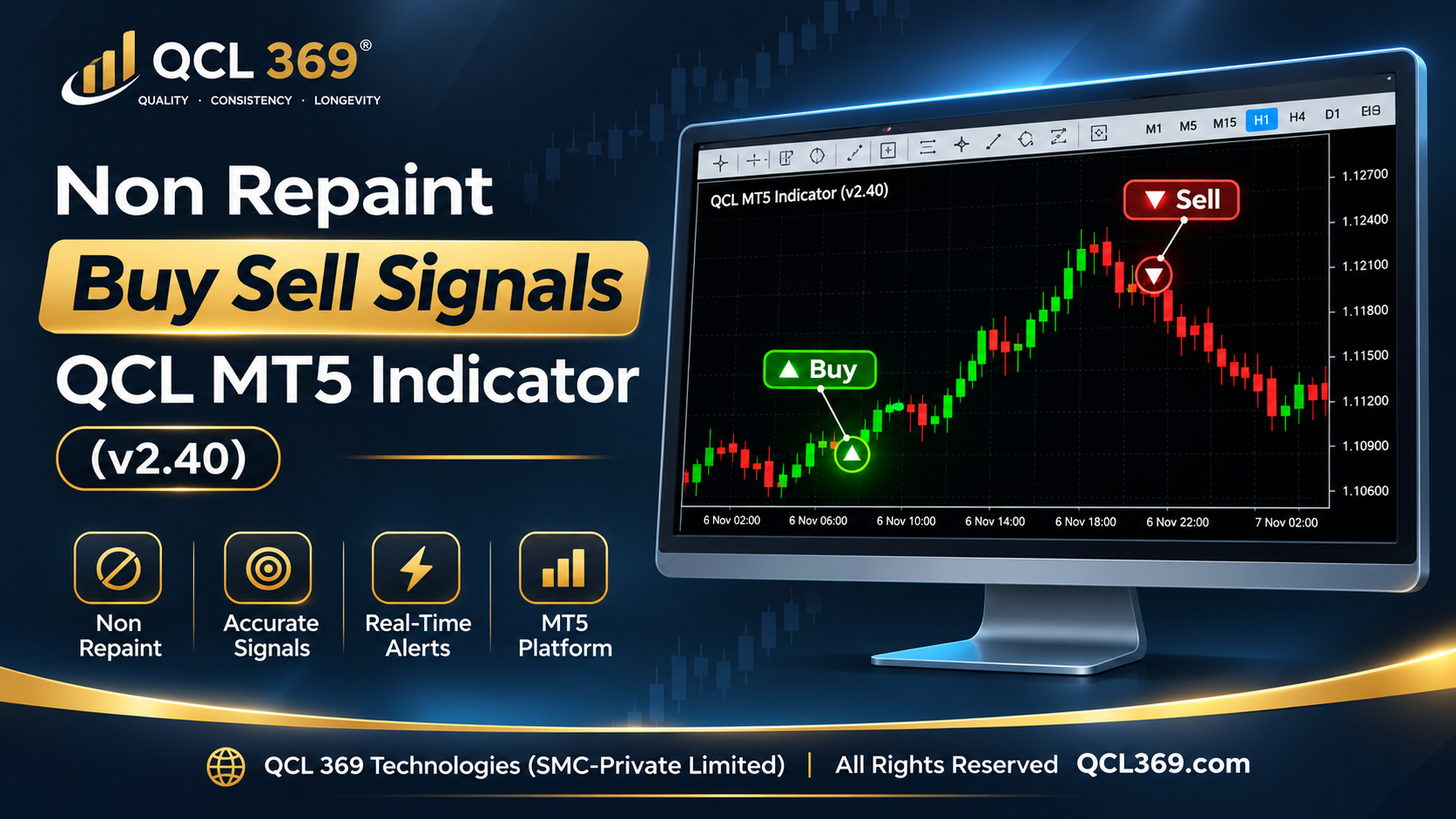
Non Repaint Buy Sell Signals QCL MT5 Indicator (v2.40)
The Non Repaint Buy/Sell Signals QCL MT5 Indicator is a powerful trading tool built on mathematical analysis. This software reduces chart noise avoids confusion when making trading decisions and provides clear market signals directly on MetaTrader 5 without repainting.
Core Quantitative Architecture
-
Adaptive Momentum Smoothing: Special algorithms reduce market noise find strong price movements and filter out false breakout signals.
-
Dynamic Volatility Modeling: It checks market changes with each candle and creates dynamic green bullish and red bearish zones that adjust to rising and falling market activity.
-
Strict Non Repaint Guarantee: Signals are confirmed only when a candle closes and the price clearly crosses the volatility zone in the direction of the market trend. Once the signal appears it stays fixed on the chart and never moves, changes or disappears.
What Makes Version 2.40 Different?
1. 10 Filter Signal Quality Scoring Engine
Signals are not based on simple moving-average or indicator crosses. Before showing an arrow each setup must pass 9 separate quality checks. The system also adjusts the required confidence level based on the chart timeframe.
-
M1: 55% minimum confidence score.
-
M5: 66% minimum confidence score.
-
M15 & Above: 50% baseline confidence score.
-
Toggle Flexibility: The Enable Signal Quality Engine option lets you turn the filter on for stricter signals or off to get more signals.
2. Automatic Lot Size Recommendation (No Manual Math)
The dashboard has a built in tool that calculates the right lot size for any trading instrument using live broker data. When a signal is confirmed it calculates the exact lot size based on your account balance and stop loss distance even for very small lot sizes.
-
Preset 1: Risk 1% of your account balance to help protect your money.
-
Preset 2: 5% Risk of Balance.
-
Preset 3: 10% Risk of Balance.
-
(All 3 presets are fully customizable in your inputs).
3. Completely Redesigned Dark Charcoal & Gold GUI Dashboard
-
Signal Counters: Shows the total Buy and Sell signals for today.
-
Live Win Rate Bar: Here’s a dynamic win percentage tracker (Wins / Total) and shows Green for above 60% Yellow for 45–60% and Red for below 45%.
-
Volatility Badge: Shows whether the current ATR is Low, Normal or High compared to the last 50 bars.
-
Session Badge: Shows the current trading session Asia, London, new york or OFF.
-
Level Cards: Shows the current trade direction Entry, Stop Loss (SL) and Take Profit (TP1 and TP2) in real time.
4. Instant Mobile Push Notifications with Lot Sizing
Get instant MT5 mobile alerts when a candle closes showing the pair trade direction Entry, SL, TP1, TP2 and lot sizes for all 3 risk levels.
On Chart Visual Interface
-
Bullish & Bearish Trend Zones: Automatically draws Green zones for bullish trends and Red zones for bearish trends.
-
Colored Price Action: Green candles show an uptrend and red candles show a downtrend.
-
Staircase Structure Boxes: Automatically updates trend zones and warns when the trend weakens.
-
Auto Projected Trade Levels: Every signal immediately plots four labeled horizontal price lines:
-
Entry: Precise execution fill price.
-
Stop Loss (SL): Sets the stop loss just beyond the opposite zone.
-
Take Profit 1 (TP1): Calibrated for securing 50% initial position volume.
-
Take Profit 2 (TP2): Extended structural target for maximum runner capture.
-
Systematic Execution Rules
-
Entry: Enter the trade at the next candle after a Green (Buy) or Red (Sell) arrow appears.
-
Sizing: Check the dashboard’s Lot Size row and use the suggested lot size for your risk level. We recommend 1% risk.
-
Stop Loss: Set your hard stop directly at the indicator’s projected SL line.
-
Profit Harvesting: Close half the trade at TP1 then let the rest run to TP2 or move the stop loss along the colored zone.
-
Reversal Exit: If an opposite arrow appears and the zone changes color close the trade immediately.
Deployment & Timeframe Recommendations
-
Optimal Timeframes: Best for M5 and M15 trading. Avoid M1 due to market noise and spread costs.
-
Supported Assets: Designed for Gold major forex pairs, Bitcoin and indices.
-
A Note on Gold (XAUUSD) M15: On the 15 minute Gold chart use a 50%–60% confidence filter to focus on better trades. It may take one trade a day or none when the market is unclear. Quality always precedes quantity.
-
Optimal Sessions: Trade during busy market hours: London Open and New York Overlap for Gold/Forex and active New York hours for Bitcoin.
Support & Operational Guidelines
-
- Full Documentation:A step by step PDF guide is available to help you set up the system and enable mobile alerts and push alert configuration.
-
Official Communications: For help or questions leave a comment or send a direct message through the official platform.
-
Policy: All sales are final. No refunds are allowed.
Tags: automated trading Buy Sell Arrow Indicator Buy Sell Signals Currency Trading Day Trading Entry Exit Signals Forex Scalping Forex Signals Forex Strategy Forex Trading Indicator MetaTrader 5 Indicator MetaTrader 5 Tools MT5 Indicator MT5 Trading Tools Non Repaint Buy Sell Signals Non Repaint Indicator Price Action Indicator QCL Indicator QCL MT5 Indicator Scalping Indicator Swing Trading Technical Analysis Trading Signals TradingView Alternative Trend Following Indicator