👤 By Aqsa Ahsan
EA
How to Trade High Impact News Events Without Getting Banned by Your Prop Firm?
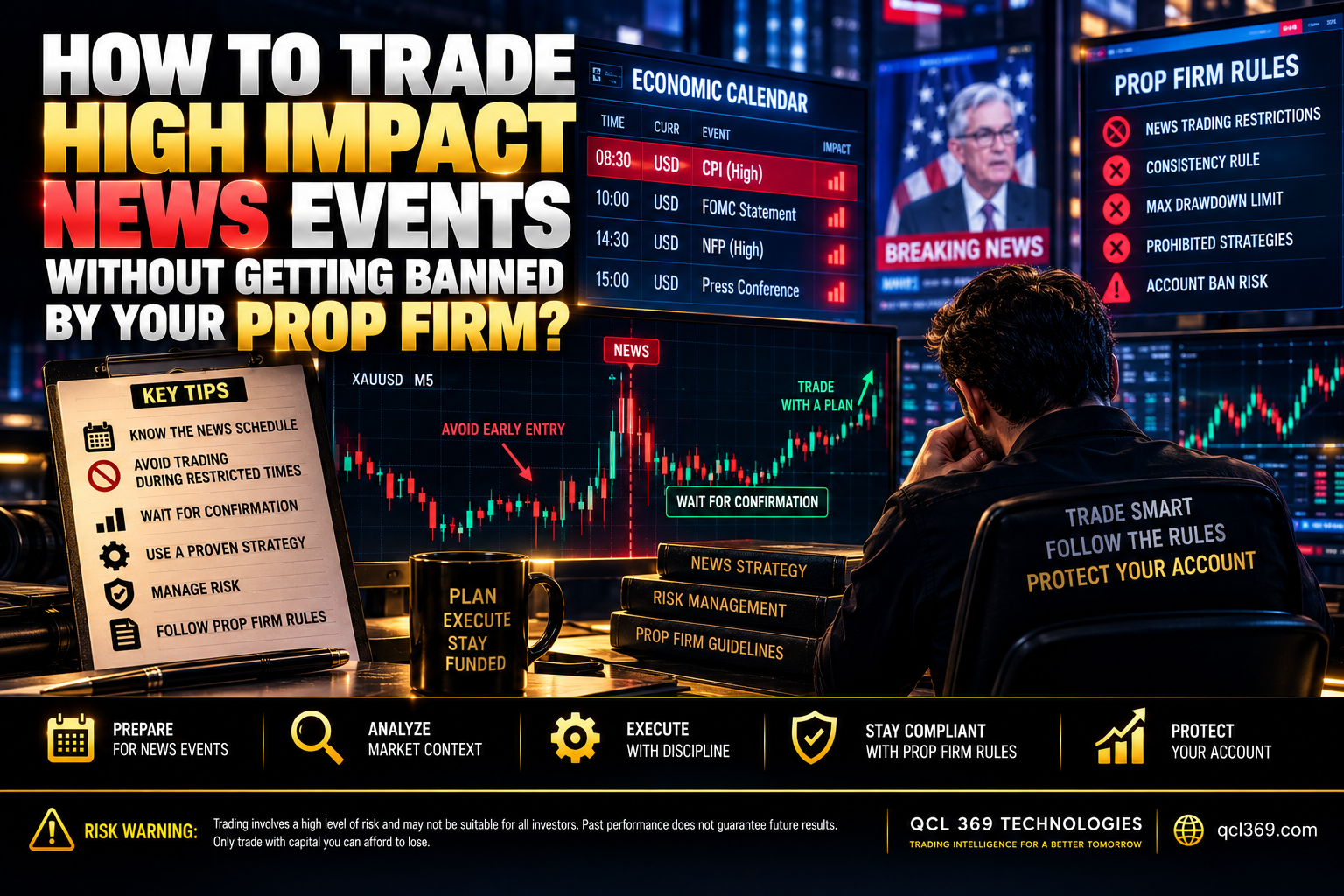
How to Trade High Impact News Without Getting Banned
Getting a funded account is a major milestone for any trader. Losing it in seconds is every trader’s nightmare.
Most traders think they lose accounts because of bad analysis or bad luck. But many accounts are actually lost by breaking one key rule news trading restrictions.
Major events like NFP, CPI, and FOMC can move markets hundreds of pips in seconds. If you don’t know your prop firm’s news trading rules or how to protect your trades you could put your funded account at risk.
Red Folder News & Prop Firm Trap
When major economic data is released traders see huge candles and think. This is my chance to pass prop firms however see high financial risk.
Why the 2–5 Minute Window Matters
Most prop firms have strict rules for red folder news. A common rule bans opening or closing trades 2–5 minutes before and after the news release.
If you execute an order inside that restricted window the firm’s automated compliance system flags your account. Depending on the rules:
-
Your profits from the trade will be completely removed.
-
You may receive a formal strike on your account.
-
On funded stages your account can be instantly terminated for a hard rule breach.
Reality of Spread Widening & Slippage
Even if a prop firm allows news trading doing it manually can be risky because of slippage and sudden spread spikes.
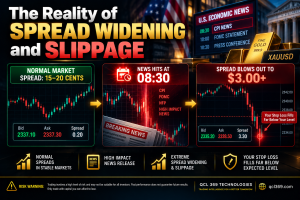
Right before major news banks and big liquidity providers often pull their orders. With less liquidity the bid ask spread can widen sharply.
If you have a Stop Loss on Gold XAUUSD the market may jump past your price. You may get filled at the next available price often much lower. A trade planned to risk 1% could suddenly lose 4% or 5%, breaking the firm’s daily drawdown limit and ending your evaluation.
Automating Protection with the QCL MT5 EA Built-In News Filter
Manually checking economic calendars tracking time zones and closing trades before red folder news is exhausting. One missed alarm can be enough to lose your account.
To solve this the QCL MT5 EA includes a dedicated automated High Impact News Filter directly inside its operational engine.
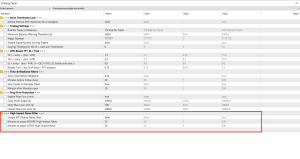
Caption The High Impact News Filter and Prop Firm Protection settings inside the QCL MT5 EA input menu.
┌─────────────────────────────How the News Filter Protects Your Funded Account
-
Automated 30 Minute Safe Zone: Instead of relying on a risky 2 minute margin the QCL MT5 EA uses MetaTrader 5’s economic news feed to pause trading 30 minutes before and after high impact news. This helps prevent rule breaches and gives spreads time to return to normal.
-
Weekend and Monday Gap Defense: Weekend price gaps can hurt your account before the week even starts. The EA can automatically close open trades 30 minutes before Friday market close and wait 30 minutes after Monday open before trading.
-
Dedicated Prop Firm Capital Protection: The EA includes dollar based loss limits such as Daily profit target daily max loss limit and Overall max loss limit. It tracks your floating equity and stops trading before your account gets close to the prop firm’s drawdown limit.
Summary Rules for Prop Firm Safety
-
Check the Rulebook: Always know your specific firm’s news trading rules never assume two firms have the exact same restrictions.
-
Never Trade the Release Candle: The initial price spike is designed to hunt liquidity and liquidate both sides of the book.
-
Let Automation Protect Your Equity: With the QCL MT5 EA and its news filter enabled your account automatically avoids major news events protects your capital and helps keep your funded account safe.
Tags: algorithmic trading MT5 automated forex trading Bitcoin Trading Strategy CPI Forex Trading Crypto Trading EA Forex EA MT5 Forex News Trading Funded Account Rules Gold Trading EA High Impact News Max Drawdown Prop Firm MT5 Expert Advisor News Trading Strategy NFP Trading Strategy Prop Firm EA Prop Firm News Rules Prop Firm Passing EA QCL MT5 EA Risk Management Forex XAUUSD Scalping